



Vidéo d'introduction
-
-
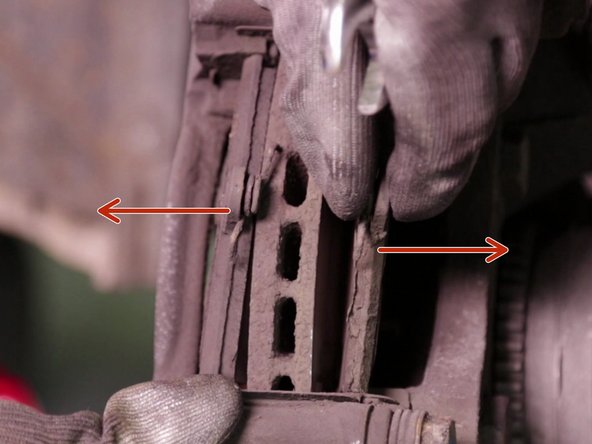
A l'aide d'un tournevis plat faire levier sur la plaquette pour rentrer le piston
-
Insérer le tournevis plat dans le disque pour le bloquer
-
A l'aide du cliquet et de la douille torx desserrer les vis de maintien du disque
-
-
-
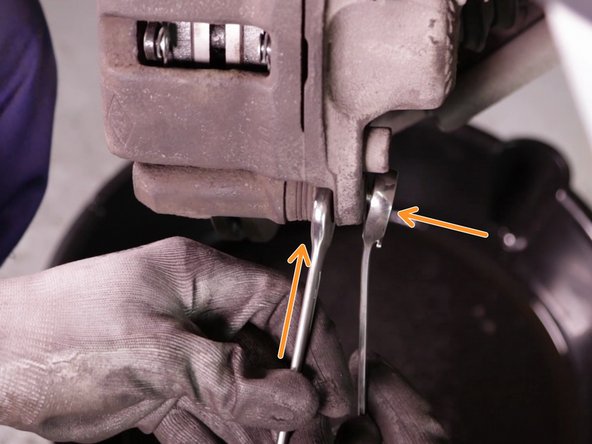
A l'aide du cliquet muni de la douille de 17 et de la clé plate de 17 desserrer la vis inférieur de l'étrier et la retirer
-
Faire pivoter l'étrier sur l'axe de la vis supérieur
-
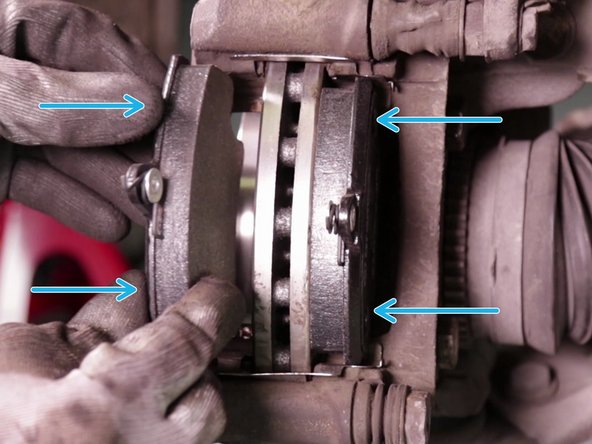
Retirer les plaquettes de frein
-
-
-
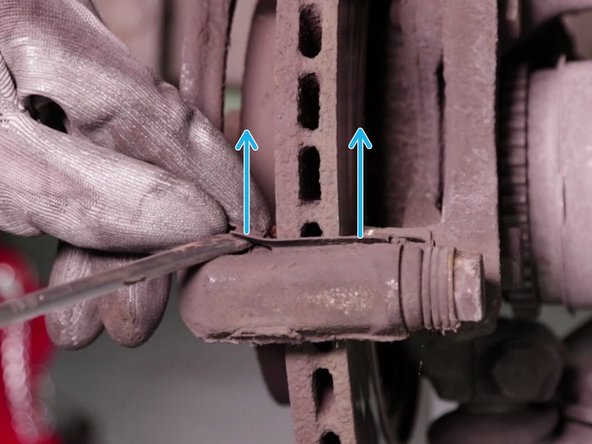
A l'aide du tournevis plat retirer les plaquettes anti-bruit
-
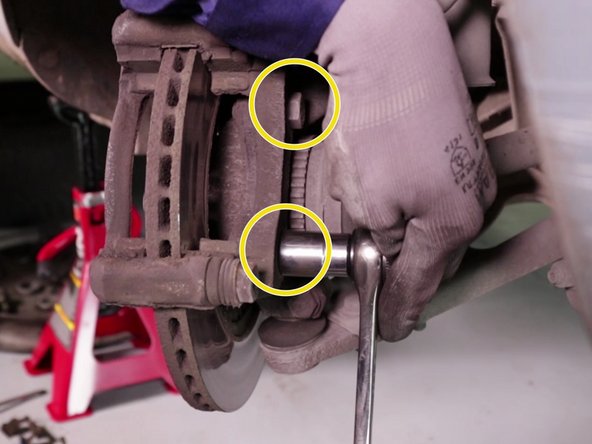
A l'aide du cliquet et de la douille desserrer les 2 vis du support d'étrier, en commençant par celle du bas
-
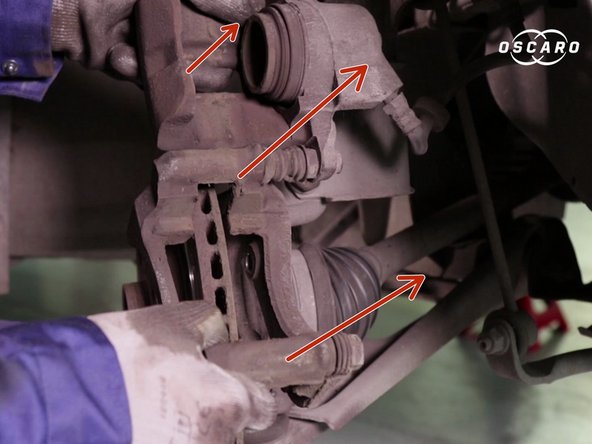
Retirer l'étrier et l'accrocher au ressort à l'aide d'un câble ou d'un fil
-
-
-
A l'aide d'un marteau taper sur le disque pour le faire sortir
-
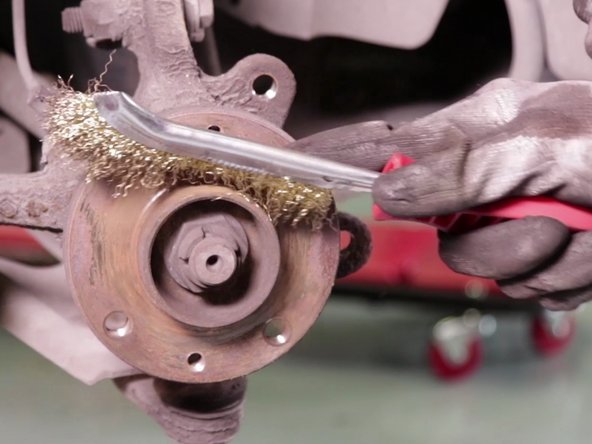
Une fois le disque retiré, nettoyer le moyeu de roue à l'aide d'une brosse métallique
-
-
-
Comparer le diamètre et l'emplacement des trous de fixations des disques
-
Comparer la forme des nouvelles plaquettes de frein
-
-
-
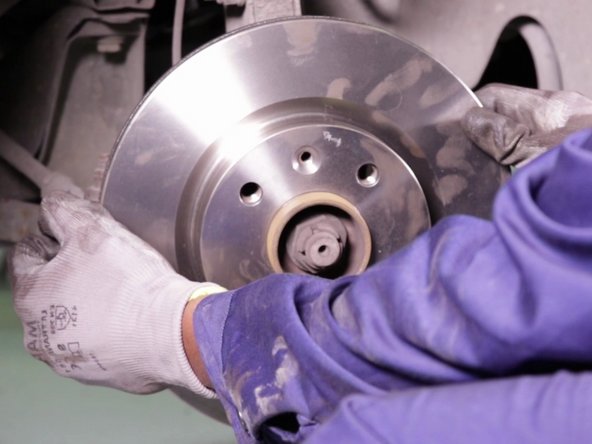
Déposer les nouveaux disques en alignant les trous de fixations
-
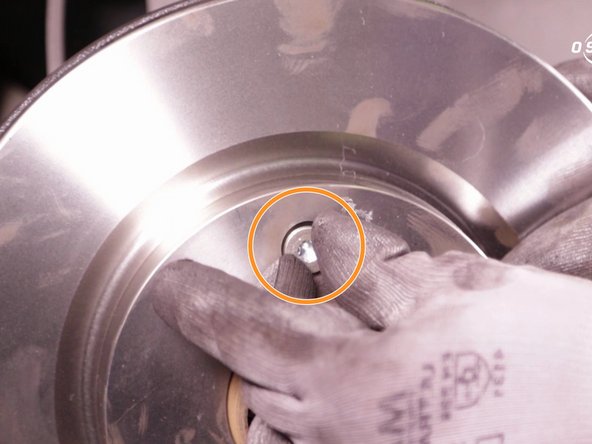
Insérer et visser les vis de maintien du disques à la main
-
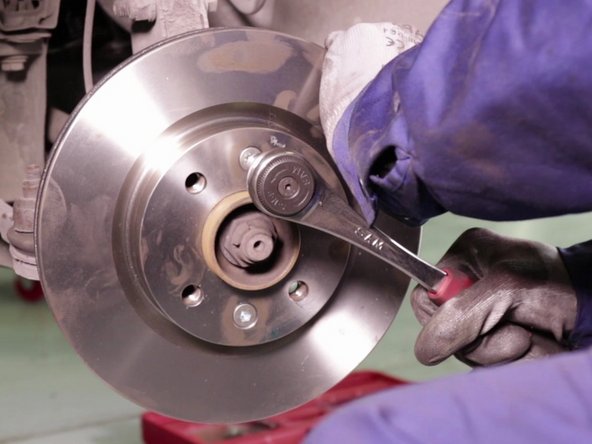
A l'aide du cliquet et de la douille, serrer les vis de maintien
-
-
-
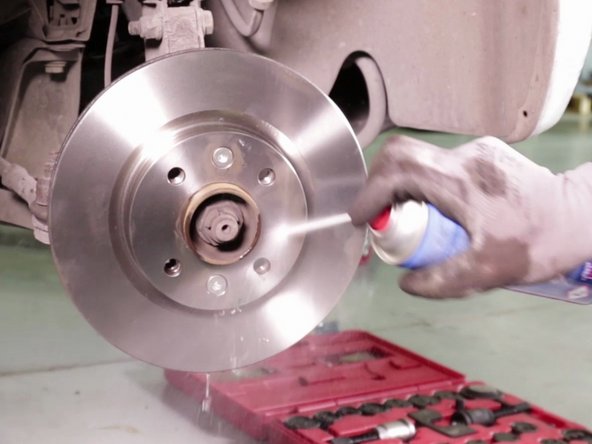
Nettoyer le disque à l'aide de nettoyant frein, puis essuyer le avec un chiffon propre et sec
-
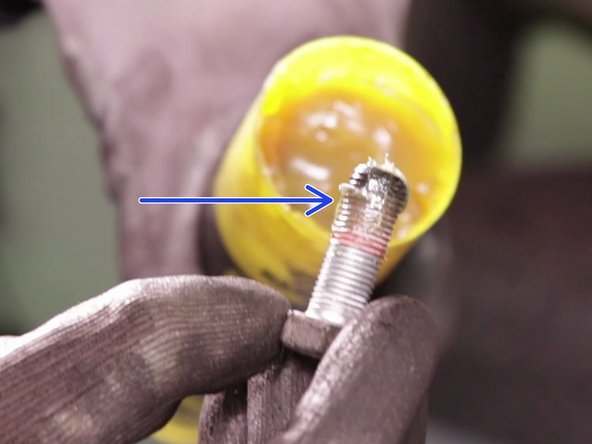
A l'aide de graisse, graisser le filetage des vis de support d'étrier afin de faciliter leur insertion
-
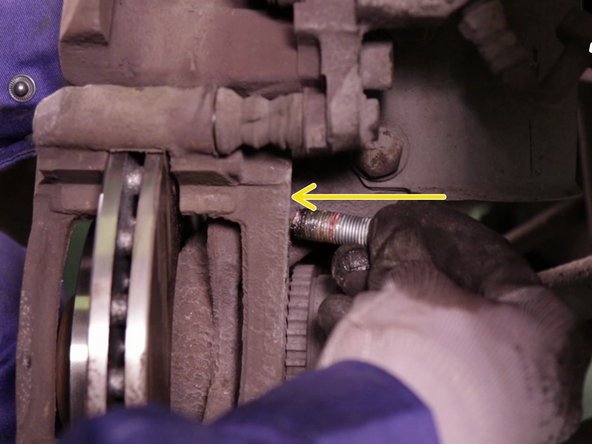
Remettre l'étrier en place, et insérer les vis en commençant par celle du haut. Les resserrer à l'aide du cliquet et de la douille de 18
-
-
-
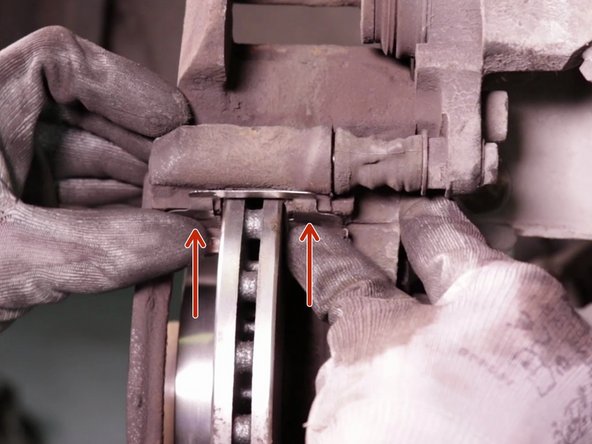
Insérer les plaquettes anti-bruit en appuyant fort dessus
-
Positionner les plaquettes de frein
-
Fermer l'étrier de frein, puis insérer la vis de l'étrier. La resserrer à l'aide du cliquet muni de la douille 18 et de la clé plate de 17
-
Appuyer plusieurs fois sur la pédale de frein afin de remettre en place le piston
-





Annulation : je n'ai pas terminé ce tutoriel.
4 autres ont terminé cette réparation.

Équipe